Shipping and Pickup Options: Most Items Shipped Out the Same Day! Extensive Range of Parts and Accessories. Trust Our Gaming Specialists to Build It for You! Premier IT Gear Store with Super-Fast Shipping

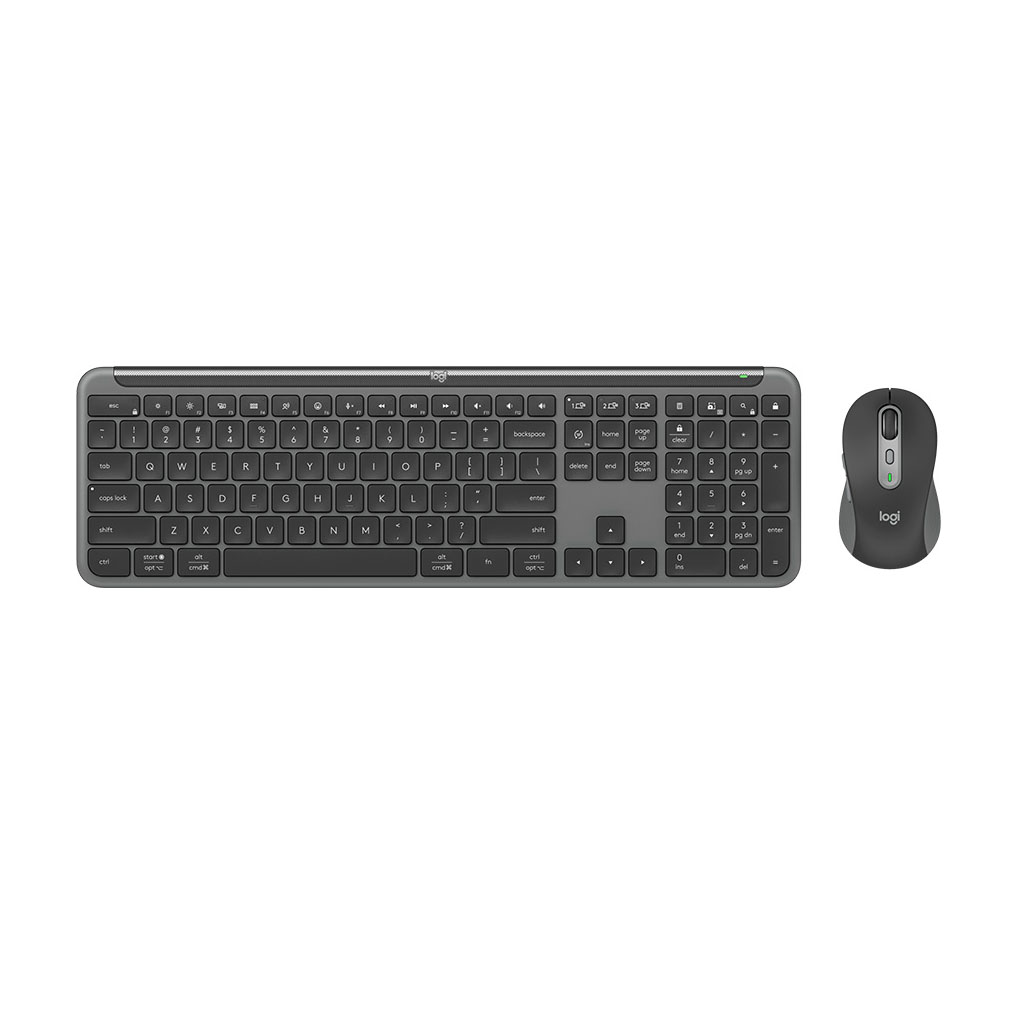
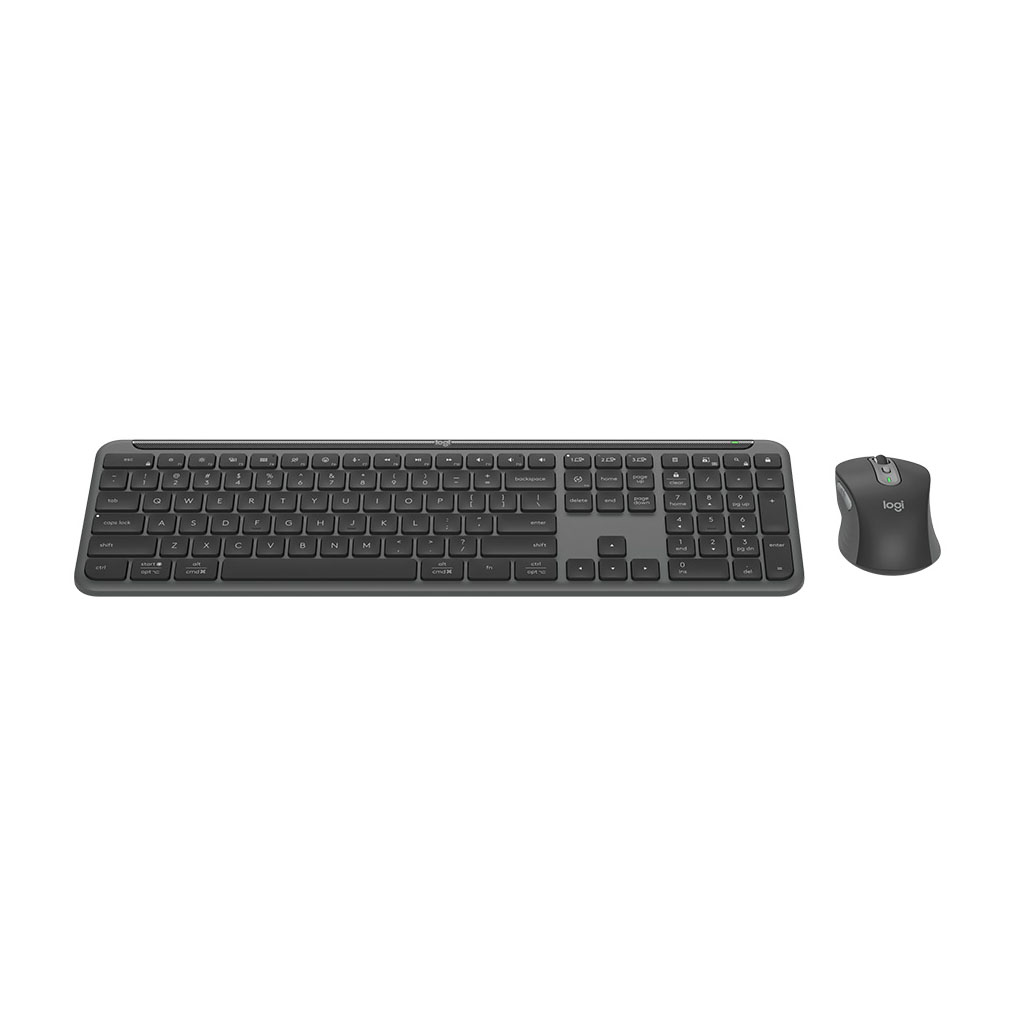
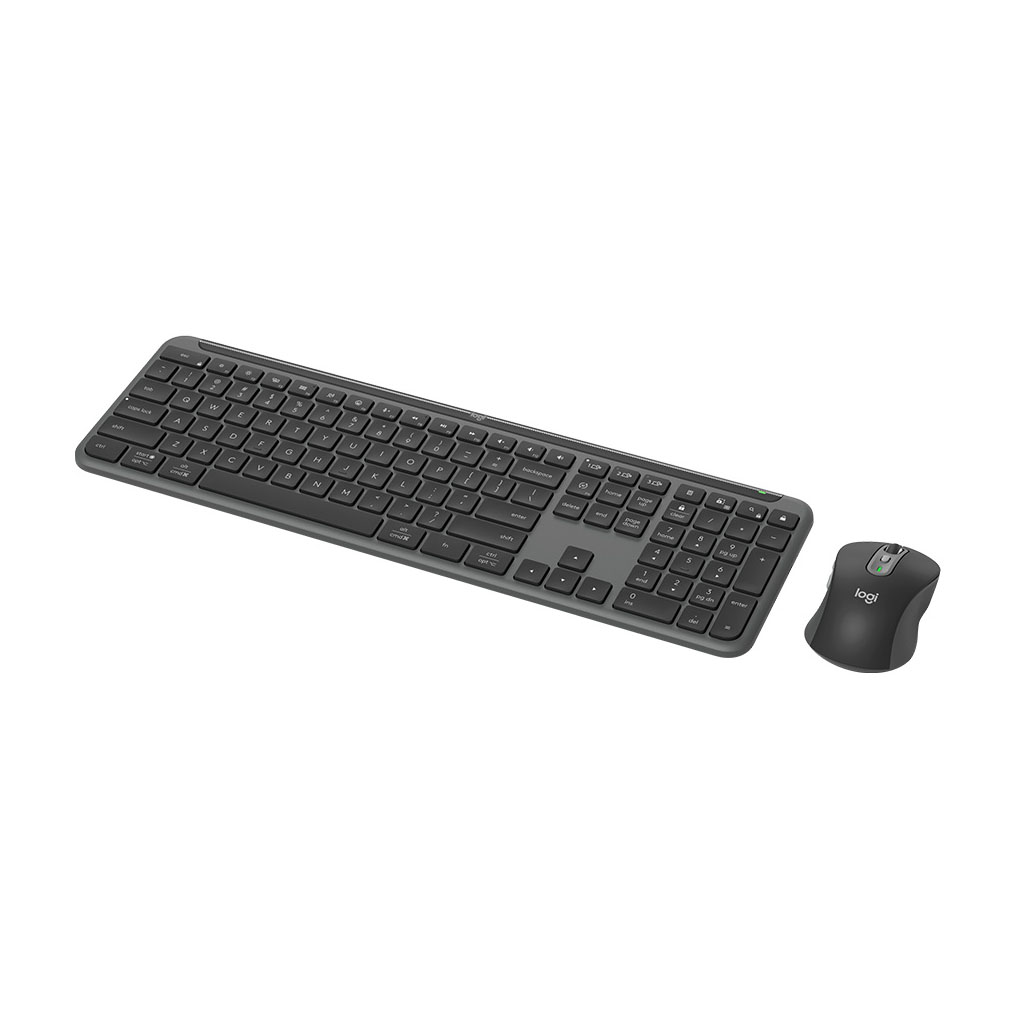
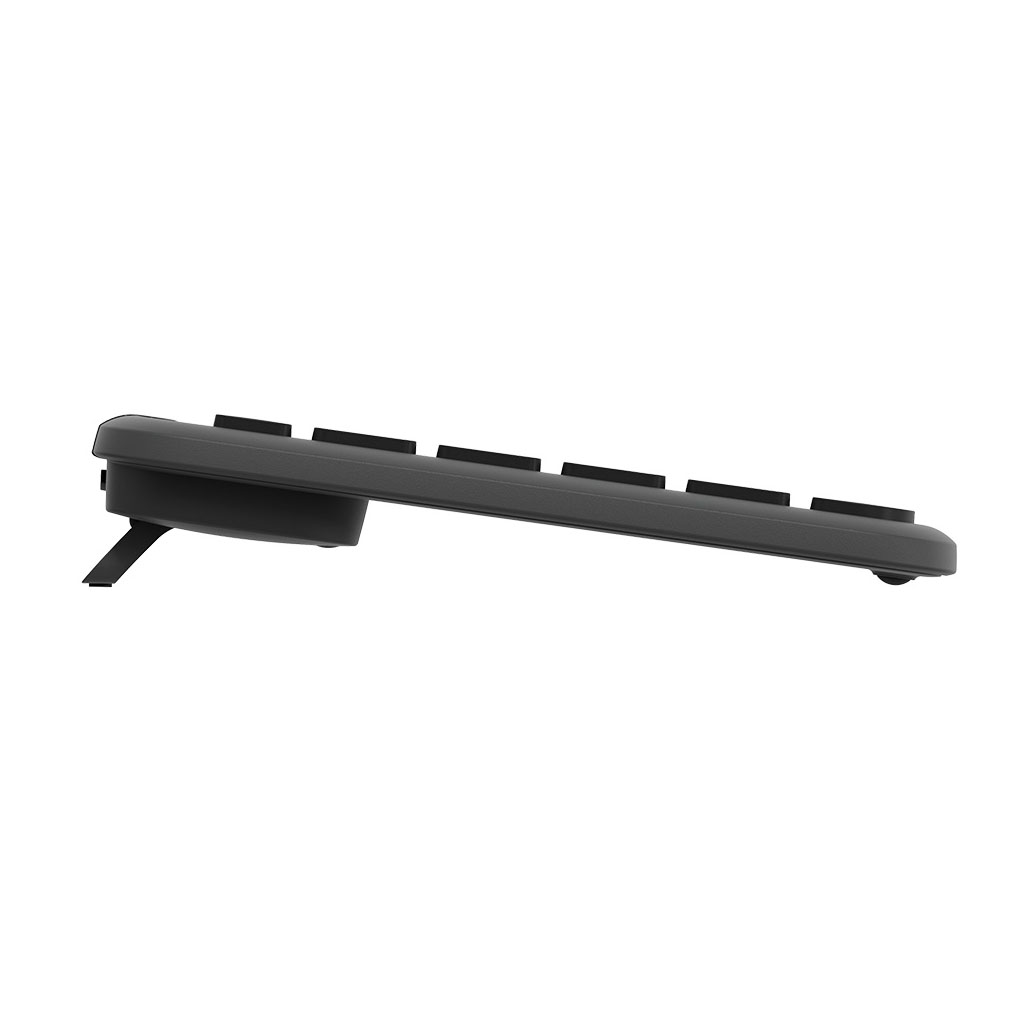
Logitech MK950 Wireless Keyboard and Mouse Combo 920-012475 Graphite
In Stock at Warehouse
- 920-012475
- 920-012475
- KEYBOARD
Logitech Signature Slim Combo MK950 - Graphite - Battery: Keyboard: Non-rechargeable, Alkaline, 2xAAA (included), 36 months, Mouse:Non-rechargeable, Alkaline, 1xAA (included), 24 months - Sensor Technology: Logitech Advanced Optical, 1000 DPI - Connection type support: Logi Bolt USB receiver (included), Bluetooth Low Energy Technology (Bluetooth 5.1) - 920-012475
| · Full-size layout with number pad |
| · Multi OS printed layout (Windows/Mac/Chrome) |
| · Compatible with Logitech Flow technology enabled mouse |
Features
Signature Slim Combo MK950
A keyboard and mouse set that keeps you productive as you switch between your work and personal computers.
A keyboard and mouse combo designed for blended lives that juggle both work and life. It'll feel like magic as you switch between work and personal computers, customise your shortcuts, and enjoy quiet typing and clicking.
Make Work-Life Magic
When we work from home, our lives become blended and we need tools designed for all aspects of life. The Signature Slim Combo puts a little bit of magic at your fingertips. So whatever today asks of you, you can get it done.

Move Between Your Personal and Work Computers
Use one mouse and keyboard across more than one computer—even different operating systems. Connect them via Bluetooth or Logi Bolt Receiver to effortlessly transfer text, images, and files between computers like magic.(You need to have Logi Options+ Installed and all your computers connected to the same network.) (Customize device by installing the Logi Options+ App available for recent versions of Windows and macOS at logi.com/optionsplus)

You've Got Options
Blend work and life to do more than you ever dreamed of using your Signature Slim Combo MK950 with the Logi Options+ App. (Customise device by installing the Logi Options+ App available for recent versions of Windows and macOS at logi.com/optionsplus)(Logi Options+ App is currently not supported for Chrome OS, Linux , ipadOS, iOS and Android. The device's basic functions will work without it.) (Mouse not supported by iOS.)
Make it Work for You
Personalise your F-Keys effortlessly. Assign simple functions on your keyboard and mouse like opening a browser, streaming music, and more. Take control and optimise efficiency with customised shortcuts. (Customise device by installing the Logi Options+ App available for recent versions of Windows and macOS at logi.com/optionsplus) (Logi Options+ App is currently not supported for Chrome OS, Linux , ipadOS, iOS and Android. The device's basic functions will work without it.) (Mouse not supported by iOS.)

Save Time Like Magic
Choose ready-to-use Smart Actions created to help you jump between work and personal life. Simplify your routine and tackle multiple tasks with a single click or keystroke to get it done faster. (Customise device by installing the Logi Options+ App available for recent versions of Windows and macOS at logi.com/optionsplus) (Logi Options+ App is currently not supported for Chrome OS, Linux , ipadOS, iOS and Android. The device's basic functions will work without it.) (Mouse not supported by iOS.)

Upgrade Your Space
The sleek design and quality-build of the full-sized Signature Slim Keyboard K950 uplevels any desk. That's complemented by the Signature Plus Mouse M750 and its comfortable contoured shape—making a great combo made with recycled plastic. (Signature Slim Combo MK950 plastic content: minimum 25% for the mouse and minimum 48% for the keyboard, excluding PWA, cables, receiver and packaging)
Quiet Typing
Focus on the task at hand thanks to quiet typing and clicking. The Signature Plus Mouse M750 with Silent Touch technology produces 90% less click noise. (Click noise reduced by over 90% compared to Logitech M185. Left click and typing dBA level measured by an independent lab at 1 meter)

Scroll with Purpose
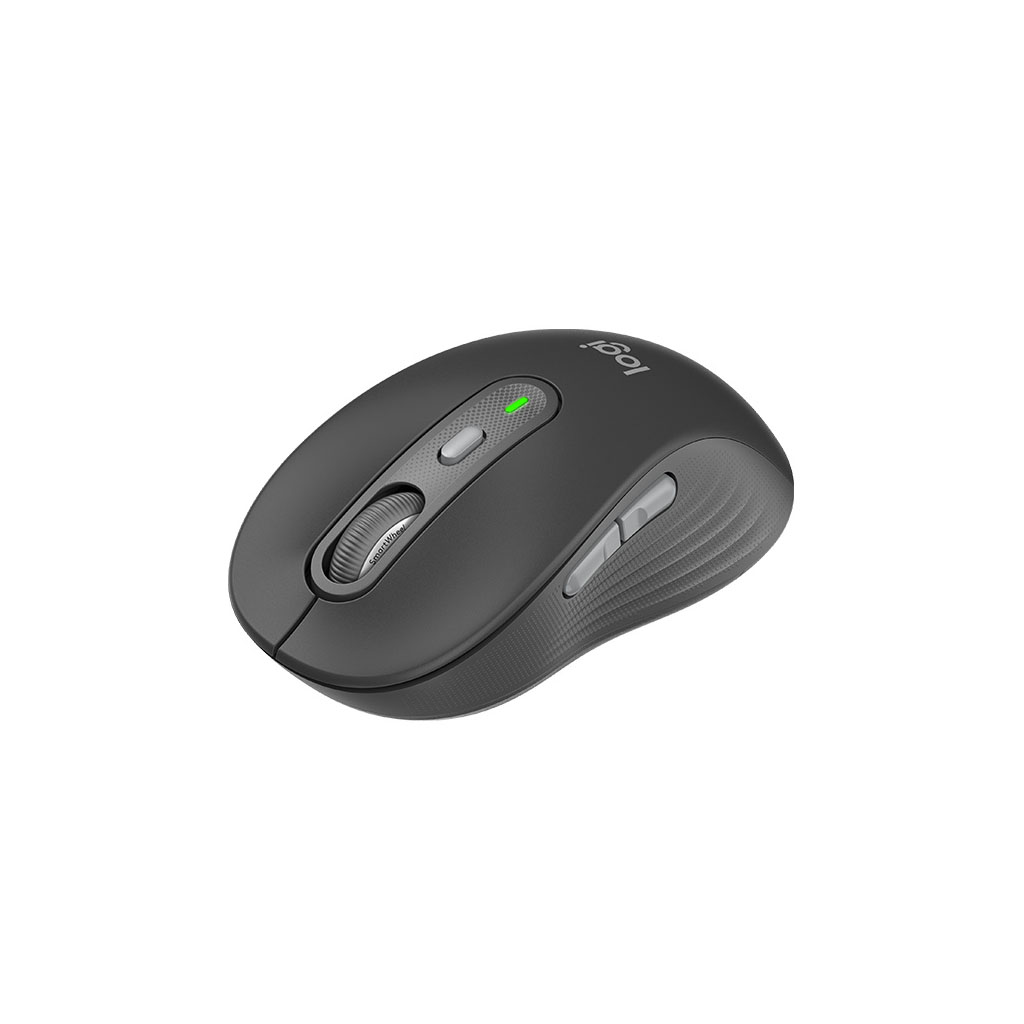
The Signature Plus Mouse M750 with Smart Wheel allows you to scroll through documents line-by-line, or fly effortlessly through a long webpage. (Mouse not supported by iOS)

Switch Typing Between Your Laptop, Tablet or Phone
You can pair the Signature Slim keyboard K950 to three devices and switch between them with the tap of a button.

Work on Nearly Any Platform
Don't worry about your device's operating system. You'll be able to Connect wirelessly and work on Windows, macOS, Chrome OS, Linux , ipadOS, iOS and Android. (Mouse not supported by iOS)
Sustainability
Work and Chat with a Lighter Footprint
Plastic Should Have More Than One Life
Recycled Plastics
The plastic parts in Signature Slim Combo MK950 include certified post-consumer recycled plastic —Signature Slim K950: 62% for Graphite and 48% for Off-white; Signature M750: 61% for Graphite and 25% for Off-white (Excludes printed wiring assembly, cables and packaging) — to give a second life to end-of-life plastic from old consumer electronics and help reduce our carbon footprint.
Aluminium Just Got Cool
Low-Carbon Aluminium
Did you know producing aluminium is energy-intensive? That's why the aluminium plate inside the Signature Slim Keyboard K950 is made with renewable energy rather than fossil fuels. Beautiful, with a lower carbon impact.
It's Not Just What's Inside the Box…
Responsible Packaging
The paper packaging of Signature Slim Combo MK950 comes from FSC™-certified forests and other controlled sources. By choosing this product, you are supporting responsible management of the world's forests.
Everything in to Take Carbon Out
Certified Carbon Neutral
Signature Slim Combo MK950 is certified carbon neutral. This means the carbon impact of the product and packaging has been reduced to zero due to Logitech’s investment in carbon-offsetting and removal projects.
General Data
| Model Number | 920-012475 |
| Multi OS Compatibility | Easy-Switch button (Connect Up to 3 multi-OS devices) Compatible with Logitech Flow technology Logi Options+ needs to be installed and all your computers connected to the same network. Customise device by installing the Logi Options+ App available for recent versions of Windows and macOS at logi.com/optionsplus |
| Sensor Technology | Logitech Advanced Optical |
| Nominal Value | 1000 DPI |
| DPI (Minimal and Maximal Value) | 400-4000 DPI (can be set in increments of 100 DPI) |
| Connection Type Support | Logi Bolt USB receiver (included) Bluetooth Low Energy Technology (Bluetooth 5.1) |
| Wireless Range | 10 m Wireless range may vary based on user, environmental, and computing conditions. |
| Requirements | Internet connection required to download optional customisation app Logi Options+ Customise device by installing the Logi Options+ App available for recent versions of Windows and macOS at logi.com/optionsplus Logi Options+ App is currently not supported for Chrome OS, Linux , iPadOS, iOS and Android. The device’s basic functions will work without it. Bluetooth Low Energy enabled device with keyboard and mouse support |
| Customisation App | Supported by Logi Options+ on Windows and macOS Customise device by installing the Logi Options+ App available for recent versions of Windows and macOS at logi.com/optionsplus Logi Options+ App is currently not supported for Chrome OS, Linux , iPadOS, iOS and Android. The device’s basic functions will work without it. |
| Warranty | 1-Year Limited Hardware |
| In the Box | 1 x USB Bolt receiver (outside the devices - in the kbd tray) 1 x keyboard with 2 x AAA batteries (pre-installed) 1 x mouse with 1 x AA batteries (pre-installed) 1 x IID (4’’x4’’) 1 x QSG printed on the keyboard tray |
Keyboard
| Battery Type | Non-Rechargeable, Alkaline |
| Number of Batteries | 2 x AAA (included) |
| Battery Life | 36 months Battery life may vary based on user and computing conditions. |
| Additional Info | Full-size layout with number pad Tilt legs (for 8 degree typing angle) On/Off power switch Caps Lock, Battery and Easy-Switch keys indicator lights Multi OS printed layout (Windows/Mac/Chrome) Easy-Switch Keys (Connect Up to 3 multi-OS devices) Compatible with Logitech Flow technology enabled mouse Logi Options+ needs to be installed and all your computers connected to the same network. Customise device by installing the Logi Options+ App available for recent versions of Windows and macOS at logi.com/optionsplus |
| Keyboard Aluminium Plate | Low carbon aluminium |
| Height | 134.8 mm |
| Width | 433.8 mm |
| Depth | 23.1 mm |
| Weight (with battery) | 685 g /(without battery- without receiver): 662.6 g |
Mouse
| Battery Type | Non-Rechargeable, Alkaline |
| Number of Batteries | 1 x AA (included) |
| Battery Life | 24 months Battery life may vary based on user and computing conditions. |
| Additional Info | Quiet click and scrolling Click noise reduced by over 90% compared to Logitech M185. Left click and typing dBA level measured by an independent lab at 1 metre Smart Wheel technology Contoured shape with rubber grips Number of buttons: 6 (Left/Right-click, Scroll-wheel with middle click, side buttons, DPI button) On/Off power switch Battery indicator and Easy-Switch indicator lights |
| Height | 108.2 mm |
| Width | 61 mm |
| Depth | 38.8 mm |
| Weight (with battery) | 101.3 g / (without battery - without receiver): 76.3 g |
Sustainability
| Graphite Plastics | Keyboard Signature Slim K950 62% post-consumer recycled material; Mouse Signature M750 61% post-consumer recycled material Signature Slim Combo MK950 plastic content: minimum 25% for the mouse and minimum 48% for the keyboard, excluding PWA, cables, receiver and packaging |
Compatibility
| Logi Bolt USB Receiver | Required: Available USB-A Port Windows 10, 11 or later Customise device by installing the Logi Options+ App available for recent versions of Windows and macOS at logi.com/optionsplus macOS 11 or later Customise device by installing the Logi Options+ App available for recent versions of Windows and macOS at logi.com/optionsplus ChromeOS Logi Options+ App is currently not supported for Chrome OS, Linux , iPadOS, iOS and Android. The device’s basic functions will work without it. Mouse not supported by iOS. Linux Logi Options+ App is currently not supported for Chrome OS, Linux , iPadOS, iOS and Android. The device’s basic functions will work without it. Mouse not supported by iOS. |
| Bluetooth Low Energy | Required: Bluetooth Low Energy wireless technology Windows 10, 11 or later Customise device by installing the Logi Options+ App available for recent versions of Windows and macOS at logi.com/optionsplus macOS 11 or later Customise device by installing the Logi Options+ App available for recent versions of Windows and macOS at logi.com/optionsplus ChromeOS Logi Options+ App is currently not supported for Chrome OS, Linux , ipadOS, iOS and Android. The device’s basic functions will work without it. Mouse not supported by iOS. Linux Logi Options+ App is currently not supported for Chrome OS, Linux , ipadOS, iOS and Android. The device’s basic functions will work without it. Mouse not supported by iOS. iPadOS 14 or later Logi Options+ App is currently not supported for Chrome OS, Linux , ipadOS, iOS and Android. The device’s basic functions will work without it. Mouse not supported by iOS. iOS 14 or later Logi Options+ App is currently not supported for Chrome OS, Linux , ipadOS, iOS and Android. The device’s basic functions will work without it. Mouse not supported by iOS. Android 9.0 or later Logi Options+ App is currently not supported for Chrome OS, Linux , ipadOS, iOS and Android. The device’s basic functions will work without it. Mouse not supported by iOS. |
Keyboard
- Combo
- Wireless

PCC Computers
Click one of our representatives below to chat on WhatsApp or send us an email to sales@pccaus.com

